
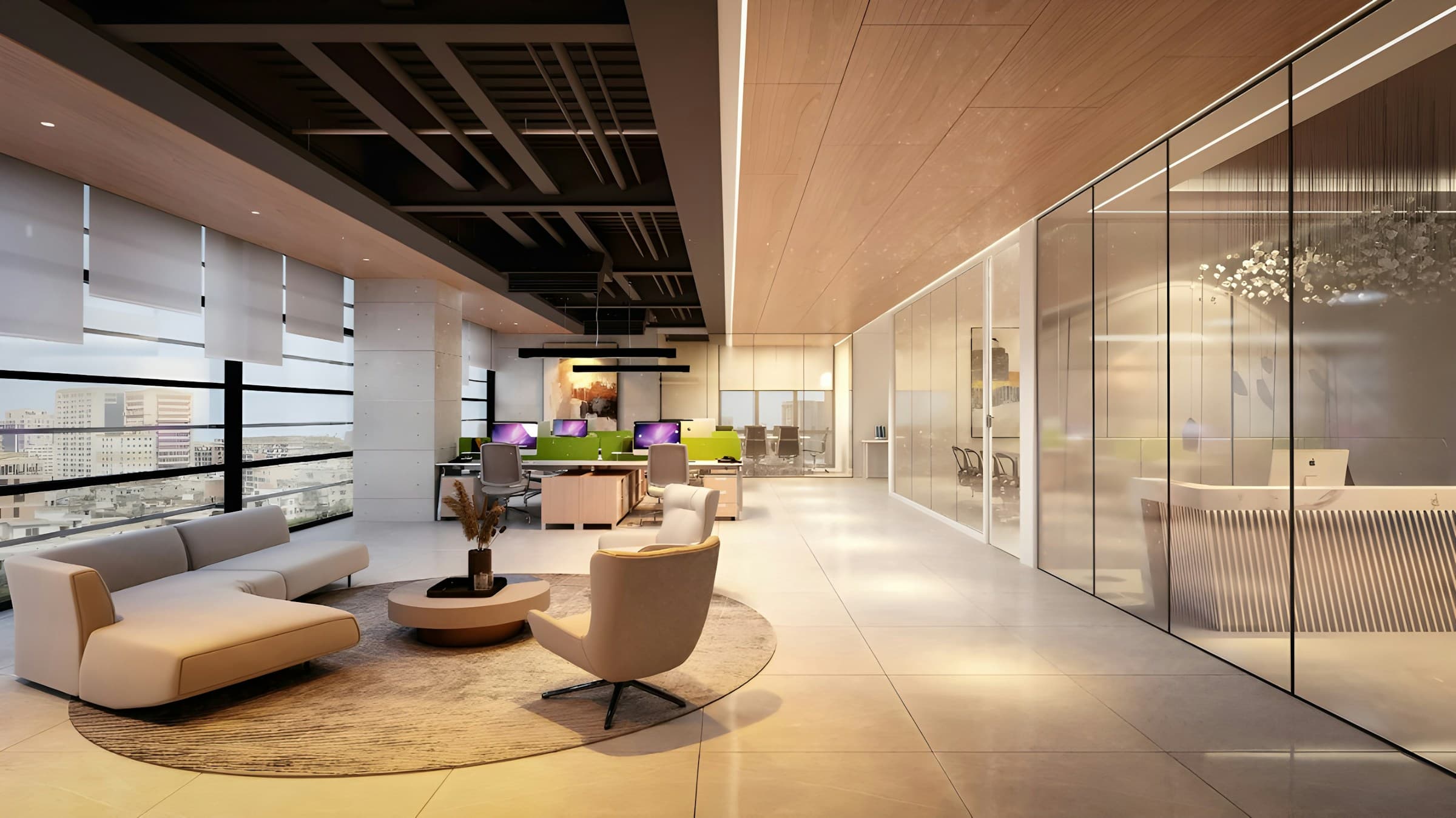
Protect by default
Records are isolated by organisation and site, with restricted fields held in protected envelopes.
Read how it worksEvery visitor recorded. Every door governed. Every incident answered.
For banks, clinics, government offices and other Namibian sites where visitors still sign in on paper, Checkpoint is the visitor and access management platform for knowing who is on the premises and answering an auditor: it gives a private, encrypted record for every visitor, with the data protection work done for you.
 Horizon House
Visitor check-in
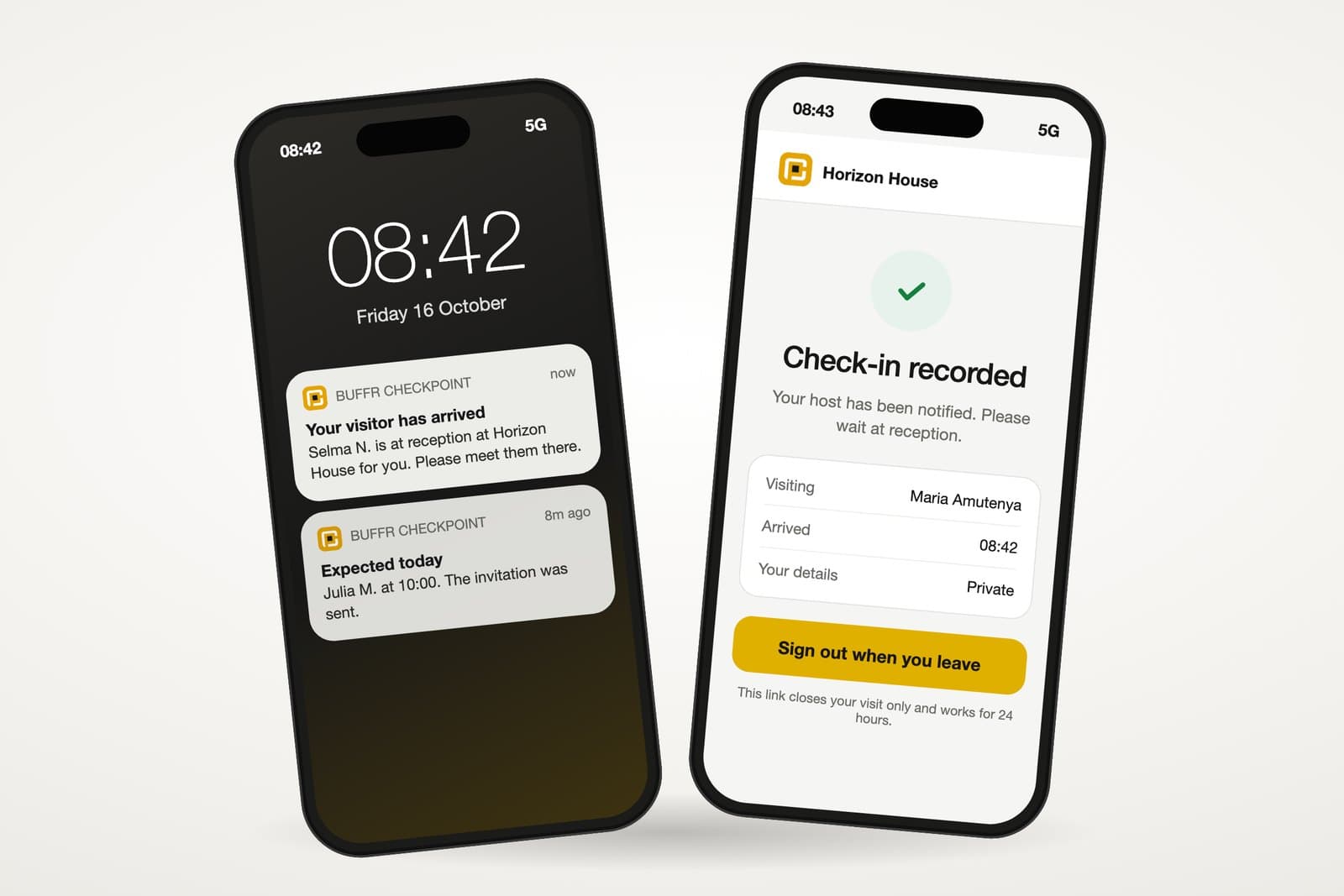
Check in privately using this phone. Your host will know when you arrive.
Every visitor recorded
The next visitor reads every line while they sign, and nobody logs who photographed the page. When an auditor asks who saw a record last March, the book has no answer.
Shared paper book
| No. | Name | Phone | To see | In | Out |
|---|---|---|---|---|---|
| 1 | Johannes K. | 081 ••• 0142 | M. Amutenya | 07:55 | |
| 2 | Ndapewa S. | 081 ••• 0178 | Finance | 08:10 | 08:47 |
| 3 | Maria T. | 085 ••• 0119 | J. Shikongo | 08:32 | |
| 4 | Tobias N. | 081 ••• 0163 | Workshop | 09:05 |
Names and phone numbers stay open to the next person who signs.
Checkpoint register
| No. | Name | Phone | To see | In | Out |
|---|---|---|---|---|---|
| 1 | Johannes K. | 081 ••• 0142 | M. Amutenya | 07:55 | On site |
| 2 | Another visitor, protected | ||||
| 3 | Another visitor, protected | ||||
| 4 | Another visitor, protected | ||||
Each visitor sees only their own check-in.
An illustration. The visitors are fictional, and Checkpoint holds every answer encrypted.
Every door governed
The channel changes and the privacy standard does not. Checkpoint joins the front desk, the visitor and your existing systems.
Site QROn the visitor's phone
Assisted entryAlways available
KioskKeeps working offline
Pre-registrationExpected visitors
NFC credentialWhen enabled
SMS add-onWhen enabled
 One encrypted
Records are isolated by organisation and site, with restricted fields held in protected envelopes.
Read how it worksIdentity checks and host approval match the risk of the site, the visit and the zone.
Read how it worksArrivals keep being recorded through low bandwidth and outages, then sync safely when the connection returns.
Read how it worksEvidence for permissions, retention, incidents, data requests and the audit trail, ready when an auditor asks.
Read how it worksProcess
At your front desk
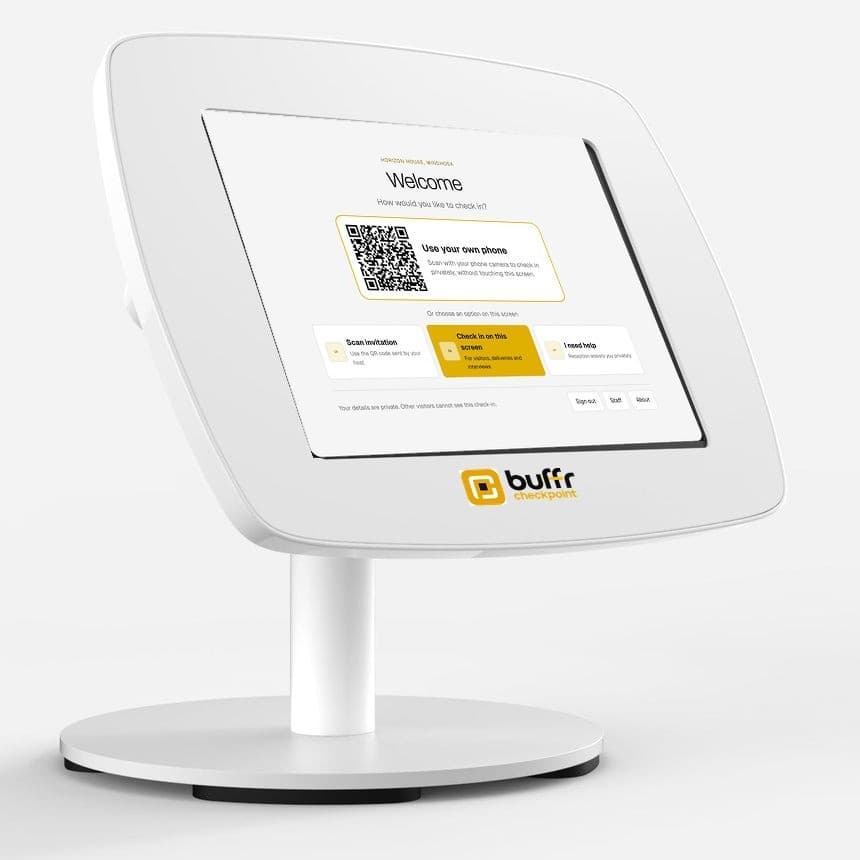
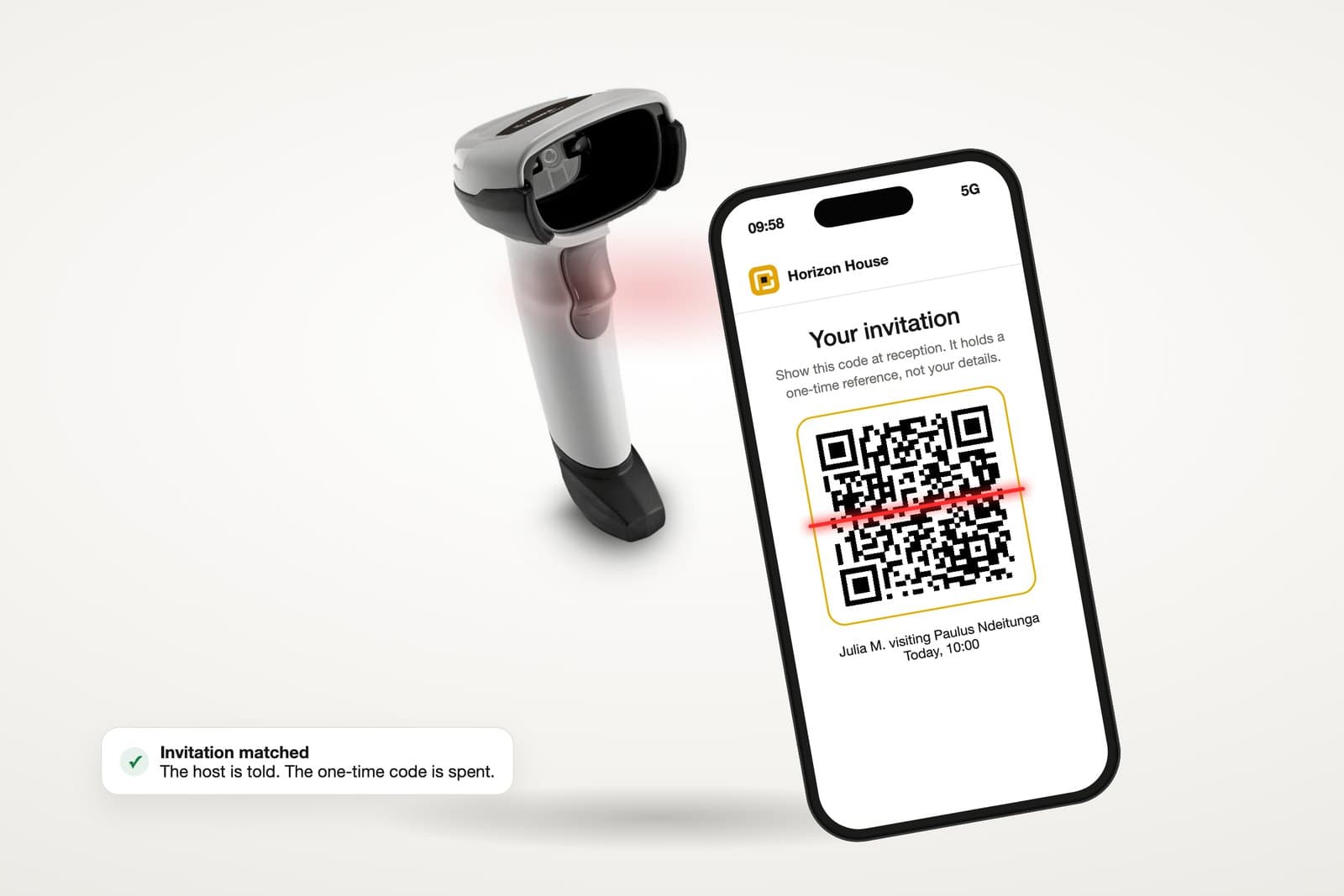
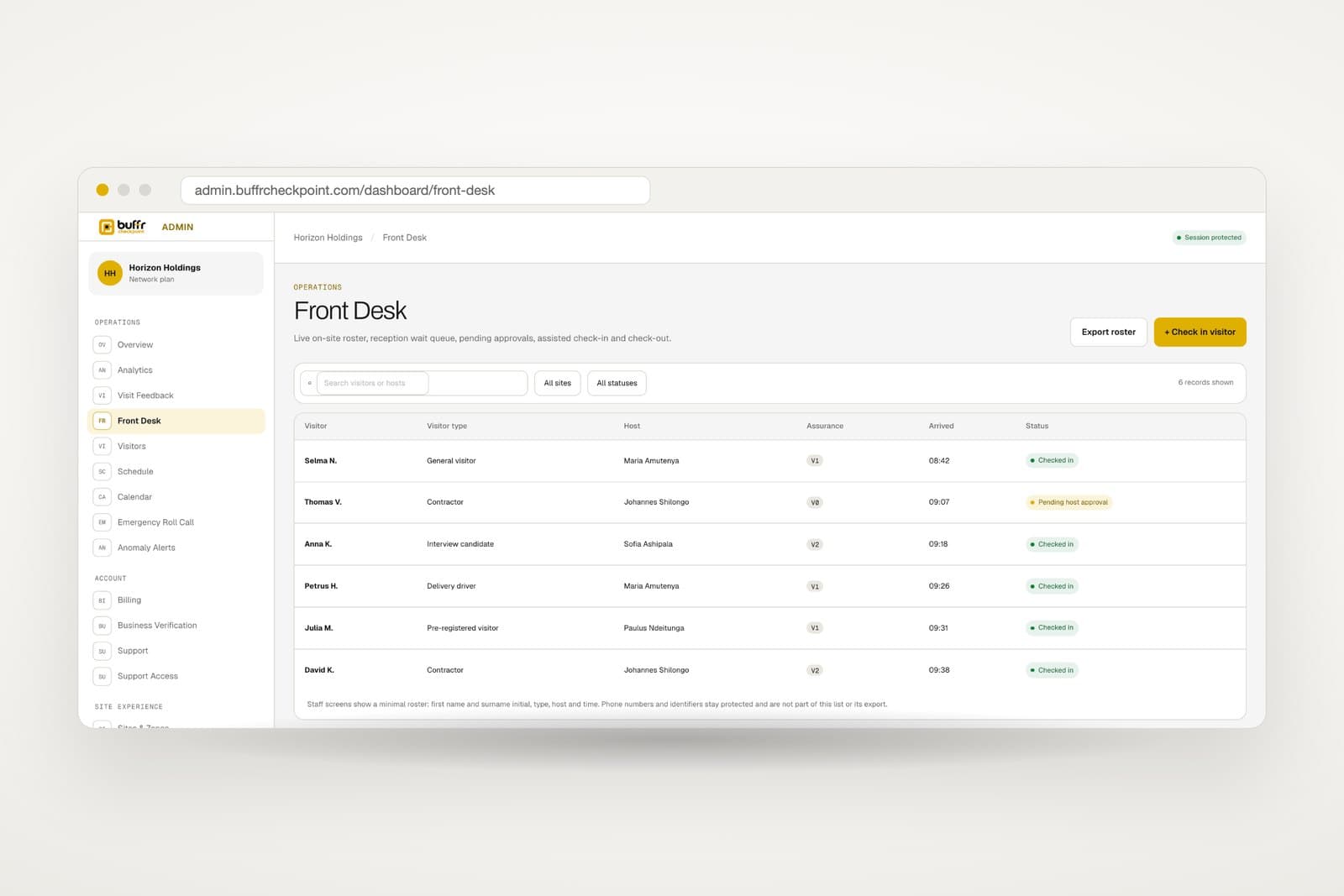
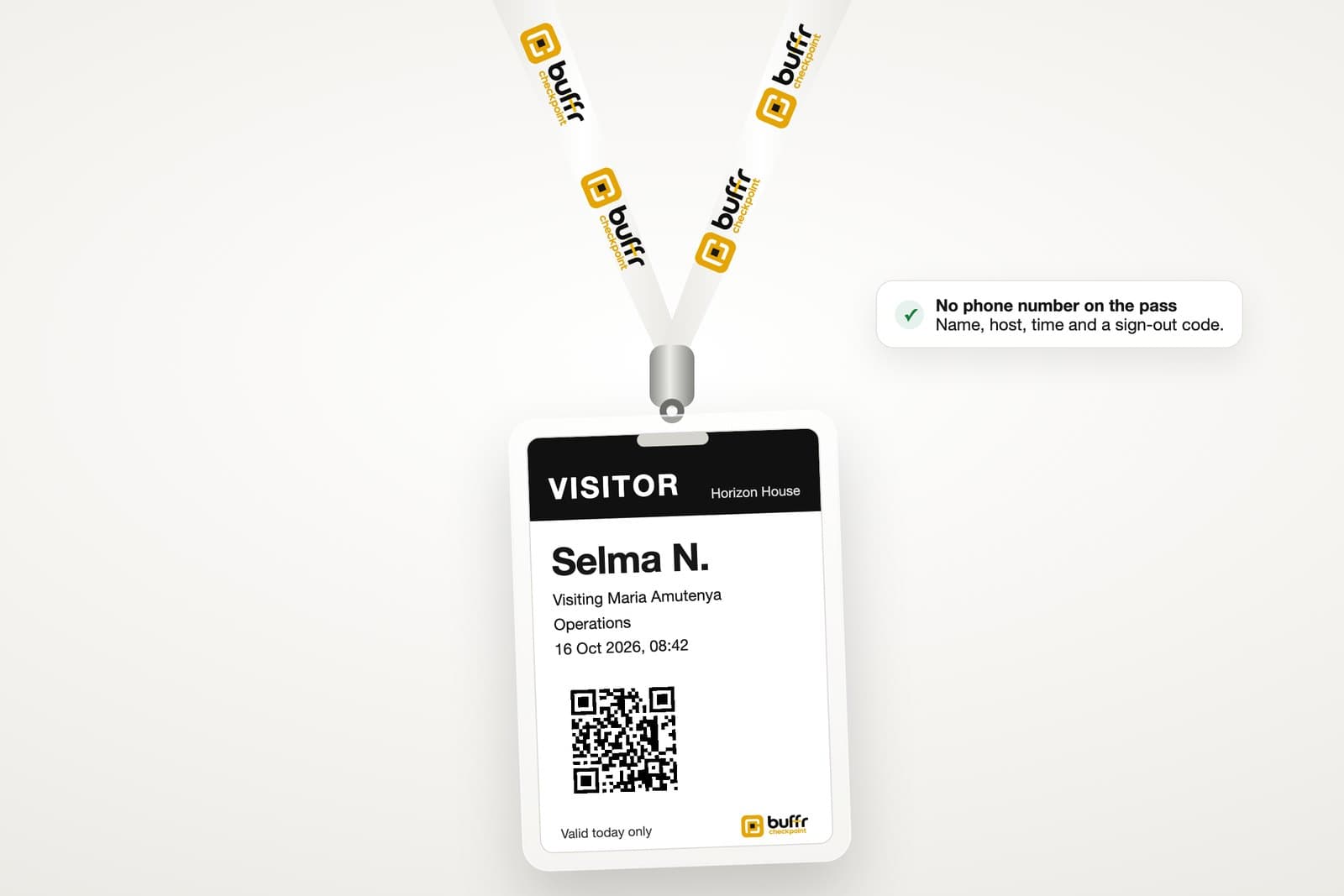
Most sites start with a printed code and the visitor's own phone. Where a door is busy, a Checkpoint kiosk takes the same check-in to a tablet, a tap reader and a badge printer.
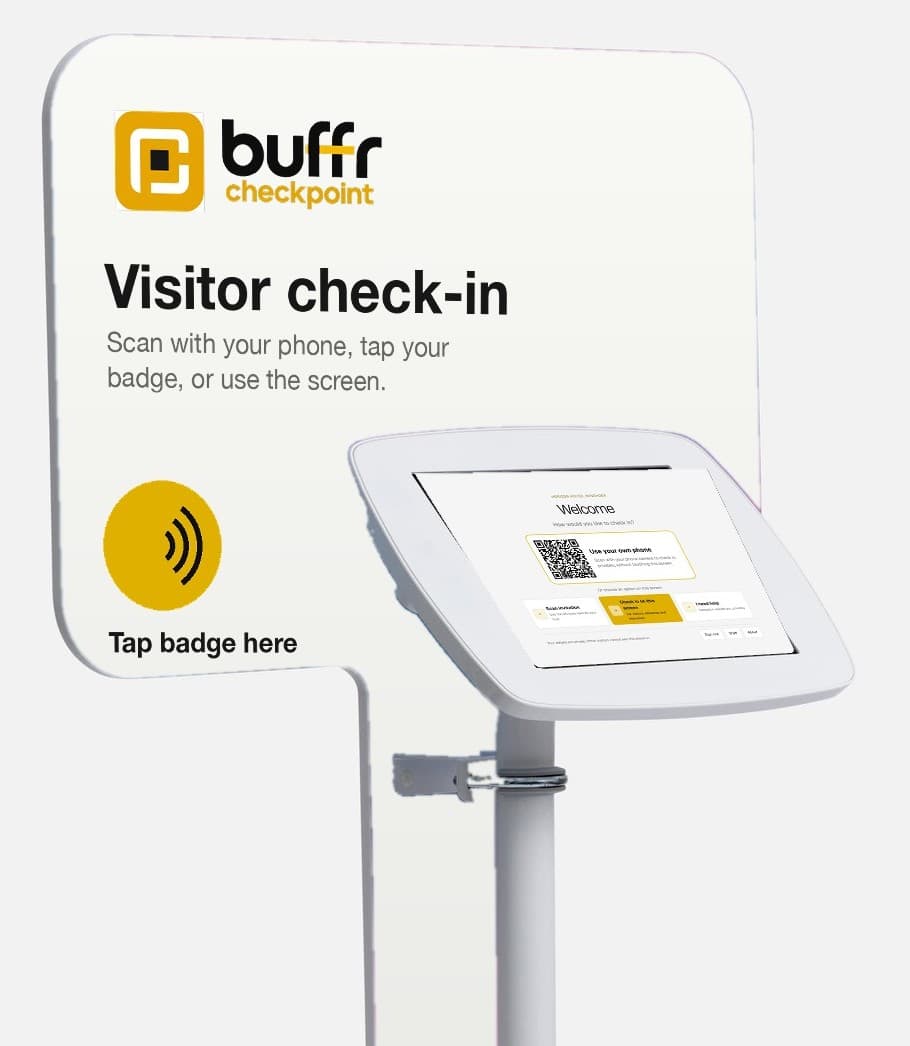 Counter kioskA tablet locked in a counter stand.
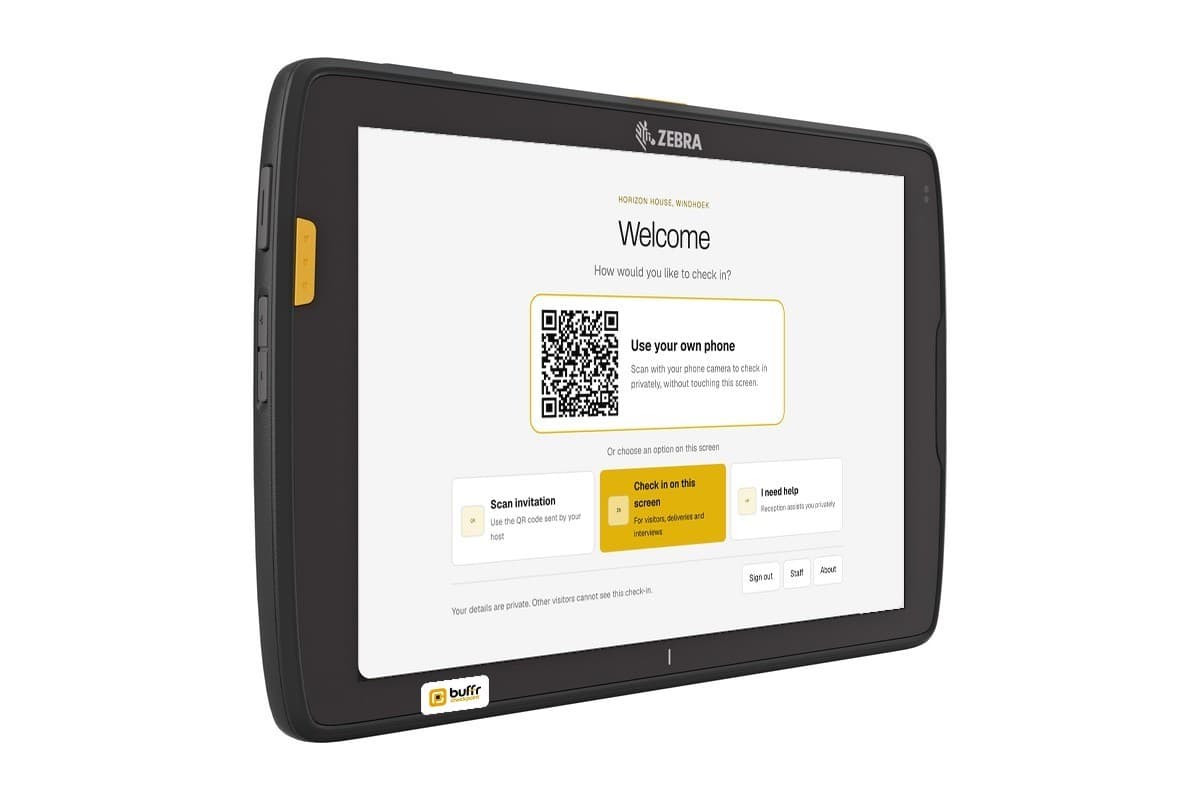 Rugged tabletFor a gate or a busy door.
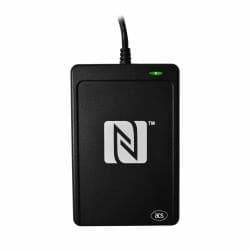 Badge readerReads a random badge reference only.
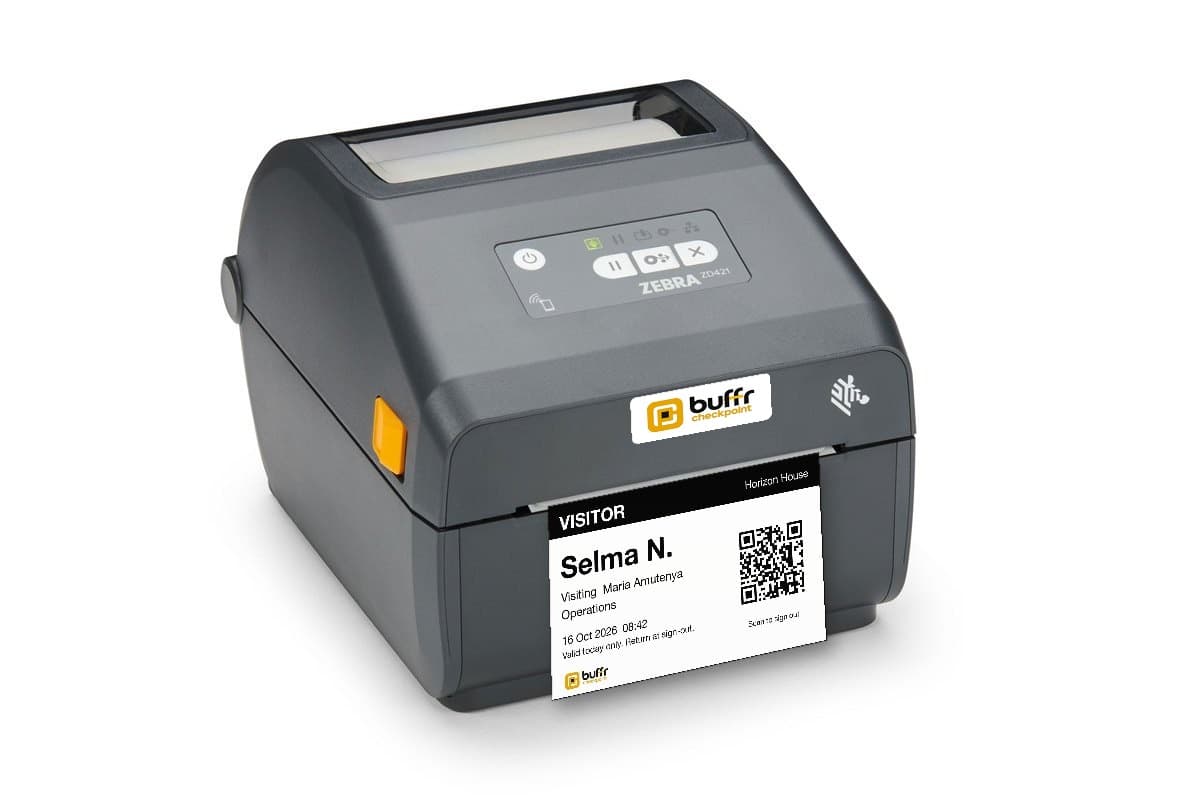 Badge printerA pass with no phone number on it.
Kiosk hardware is optional and assessed per model, with type approval held before any order. The QR-first route needs no device.
Integrates with what you have
Property management, staff directory and access control carry on as they are. Checkpoint connects to each at its boundary and sits in front as the front desk.
Every incident answered
Start every clock from first suspicion. Classify the incident, contain it, preserve evidence, assign actions, record each notification decision and complete the impact assessment before closure. You decide whom to notify and when.
An example incident on a synthetic organisation.
Emergency roll call, physical access add-on
Declaring an emergency takes a snapshot of everyone on site, emails the published assembly instructions to every reachable visitor, active host and staff user, and gives coordinators one grouped roll call.
Synthetic data.
Simple pricing by site
One predictable subscription per site, with assisted check-in included in every plan. Annual billing charges ten months for twelve.
Site
N$1,500/ month
Priced for 1 site
1 site included
Create accountRecommended
Network
N$4,500/ month
Priced for 1 site
3 sites included, then N$950 per extra site a month
Create accountAssure
N$9,500/ month
Priced for 1 site
3 sites included, then N$1,500 per extra site a month
Create accountRegister your organisation, verify your email, and start setting up right away.
Add your sites, hosts, and staff, then print your site QR code.
Upload your registration, a bank confirmation letter, an ID for each owner and proof of address. We read them and fill in the details for you to check.
Pick a plan under Billing, pay the invoice by EFT, and upload your proof of payment.
We confirm your business and your payment, your subscription turns active, and visitors start checking in.
Namibia-built
Checkpoint is built first for banks, government offices, clinics and other sites where a visitor's details are sensitive and someone is asked to account for them. It also suits any corporate office, school or community organisation wanting the same care.
Questions buyers ask
A digital visitor register records each arrival as its own private entry instead of a line on a shared page. With Checkpoint a visitor checks in on their own phone, at a kiosk or with reception, and only authorised staff open the record.
See how it worksNo. Reception checks in any visitor on a private screen, and assisted check-in is part of every plan. Visitors who have a phone scan the code printed for the site, and a busy door adds a Checkpoint kiosk when the queue grows.
See every way inOn a Checkpoint kiosk, yes. The tablet keeps each arrival encrypted on the device and sends it once the connection returns, and its screen says plainly the host has not been told yet. Check-in on a visitor's own phone needs mobile data to send.
See the kioskUnless your organisation sets another period for a site, a visit record is removed 365 days after the visitor signs out. Removal runs by itself from the first day, a record under a legal hold stays until the hold ends, and each removal is written to the audit log.
See the evidence it keepsNamibia's draft Data Protection Bill asks an organisation to collect only what a purpose needs, keep it no longer than necessary, keep it secure, answer a person's request within one month and report a breach within 72 hours. Checkpoint is designed to support those duties while the Bill remains a draft.
See what a paper book exposesCheckpoint is priced per site, per month, on three plans set out in the pricing section. Every plan includes assisted check-in at the front desk, and a larger plan adds more sites and the assurance features regulated organisations ask for.
See the plansStart with Checkpoint
Tell us about your sites and your visitor process. We will help you choose the right starting point.

Built in Namibia
Give every visitor privacy and give your organisation proof of who has access.
Create accountWe use privacy-preserving product analytics only after you accept. No visitor names or phone numbers are sent. Essential cookies do not require consent.